Clipboard manager and screenshot search for MacFind anything you copied or captured.
Every screenshot and every copy, organized and one shortcut away. Private, on your Mac.
- Private, on your Mac
- No account
- macOS 14 or later
The problem
You saved it. You just can't find it.
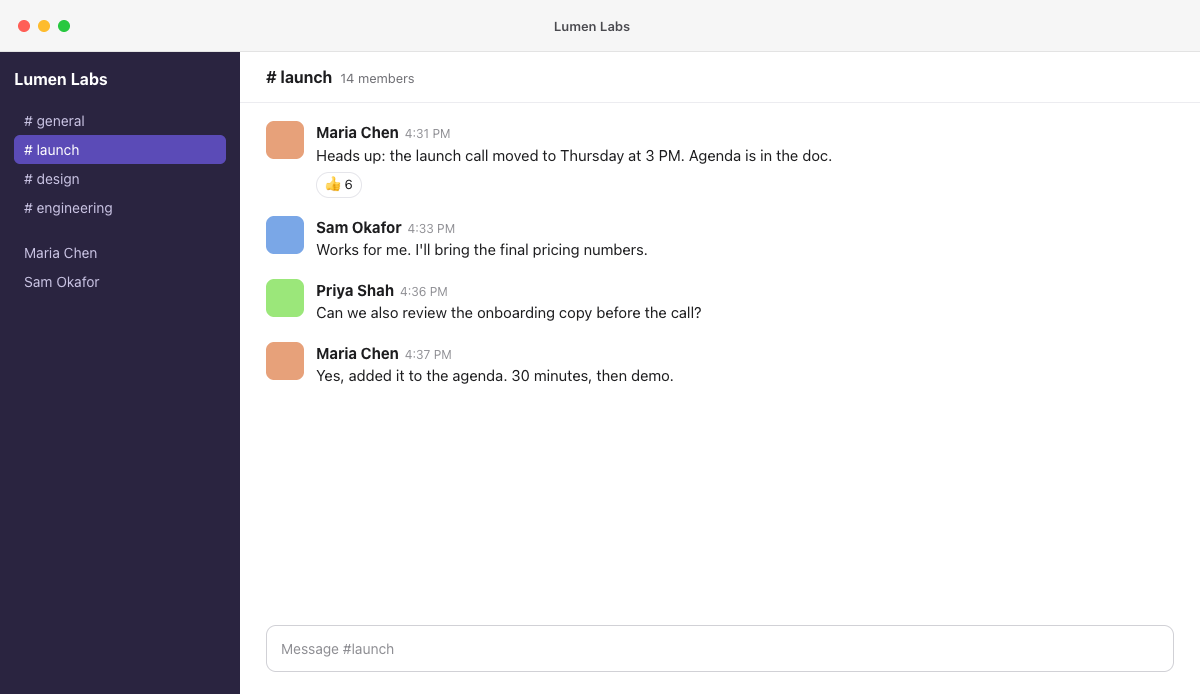
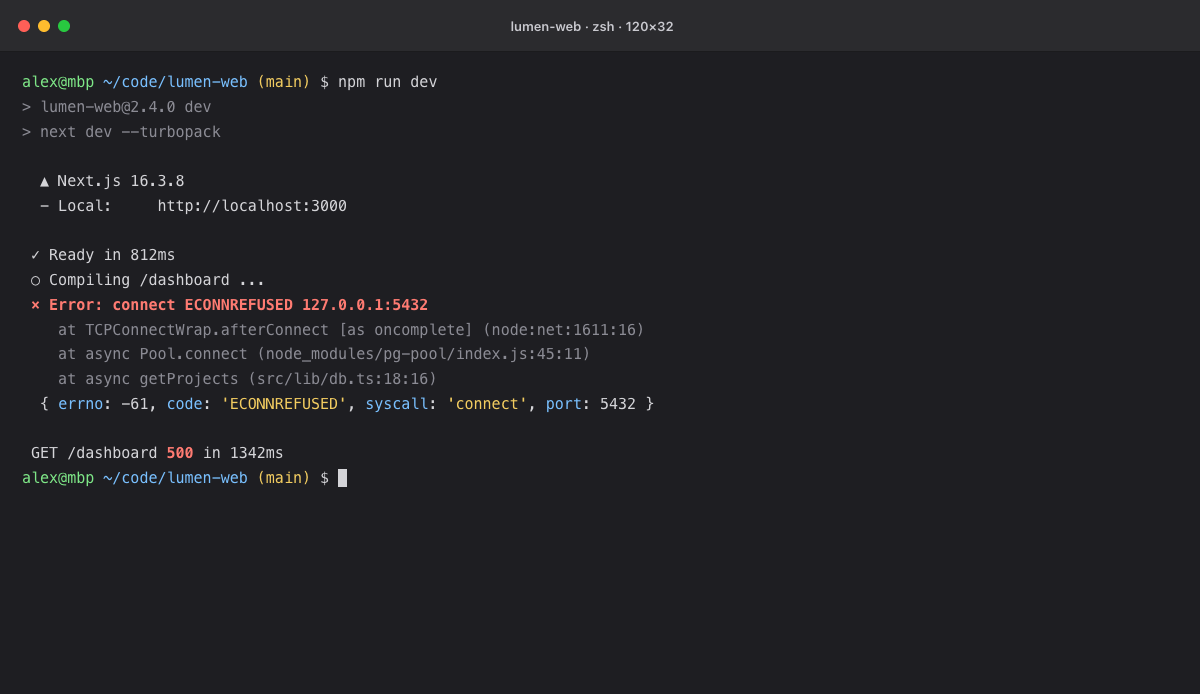
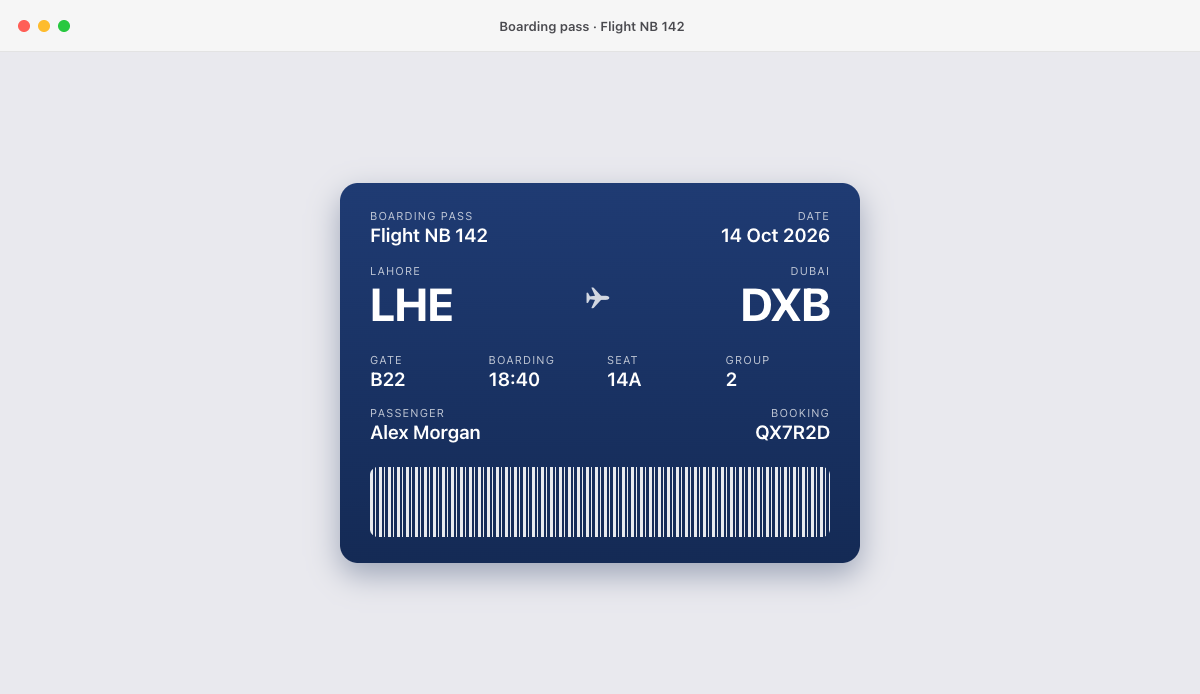
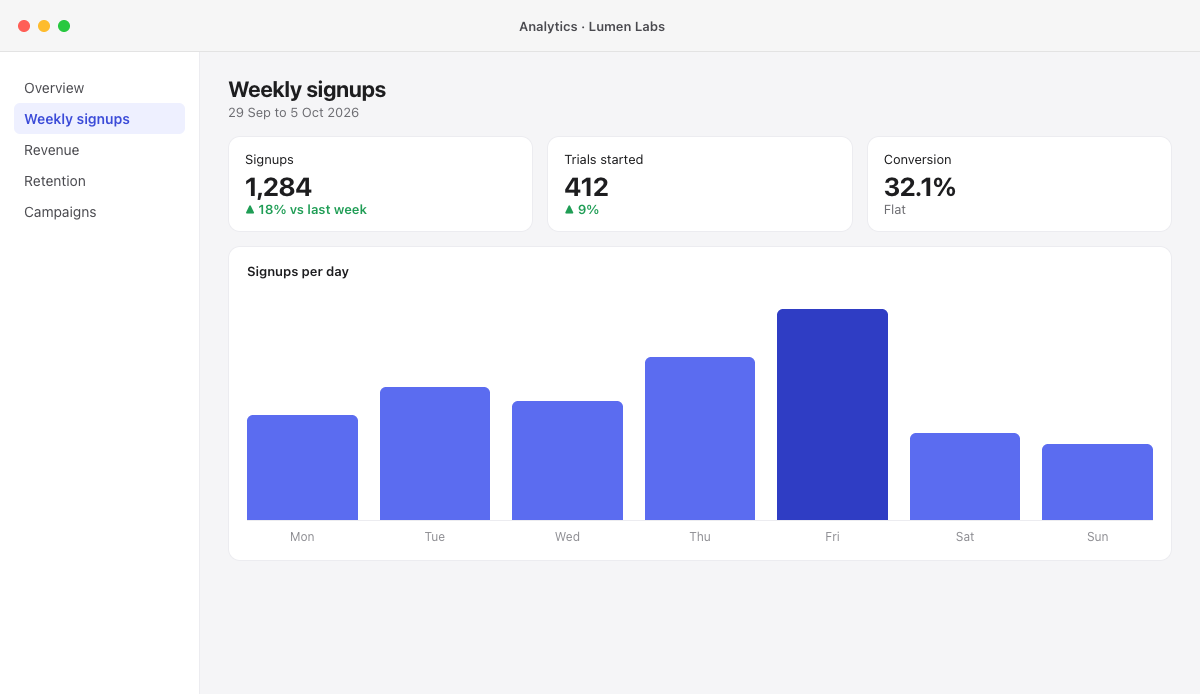
Without Nabby
- ✕Hundreds of files, all called Screenshot.
- ✕Copy something new and the last thing is gone, or kept a few days at most.
- ✕The words you need are trapped inside images.
- ✕The same things typed again and again.
With Nabby
- Every screenshot searchable by the words inside it.
- Everything you copy, kept. Pin what you use daily.
- One shortcut in any app: ⌥V.
- Press Return and it's pasted.
How it works
Three steps. No new habits.
- 01
Capture and copy like always.
Take screenshots and copy things the way you already do. Nabby saves each one in the background and reads the text in your screenshots, right on your Mac.
- 02
Press ⌥V and type what you remember.
A word, a number, a name. Nabby searches your clipboard and the words inside every screenshot as you type.
- 03
Press Return to paste.
The item lands right where you were typing. Or drag a screenshot straight into Mail, Slack or Messages.
Use cases
Made for the moment you need it back.
Pick a role to see it, or let it play.
Tap a role, or let it play.
Find the error you saw yesterday.
Search terminal and browser screenshots by the error inside them, then paste it to your team.
FAQ
Questions, answered.
Everything people ask before they try Nabby. If yours isn't here, ask us directly.
Still have a question?
You'll hear back from the person who builds Nabby, usually within two working days.
About Nabby
What is Nabby?
Nabby is a clipboard manager and screenshot search for Mac. It keeps everything you copy and every screenshot you take organized in one panel you open with ⌥V in any app, so copying something new never costs you what you copied before. It can even find a screenshot by the words inside it. Everything stays private, on your Mac.
How does Nabby find text in my screenshots?
When a new screenshot lands in your screenshot folder, Nabby reads the text in it (OCR) using Apple's Vision technology, on your Mac. That text is saved, encrypted, so you can search it later. Nothing is sent anywhere.
Which Macs does Nabby run on?
Any Mac with macOS 14 Sonoma or later, on Apple silicon or Intel.
Privacy
Does anything leave my Mac?
No. Your clipboard history, screenshots and the text inside them stay on your Mac. Nabby only goes online to check your purchase with the App Store.
Will Nabby save my passwords?
No. Anything copied from a password manager is skipped. Nabby also skips things that look like API keys, tokens and card numbers. You can turn that second filter off in Settings if you need to.
Does Nabby move or copy my screenshots?
No. Your screenshots stay exactly where macOS saves them. Nabby only renames a file or moves it to the Trash when you ask it to.
The waitlist
When does Nabby launch?
Soon. Nabby is built and on its way to the Mac App Store. Join the waitlist and we'll email you the day it's available.
How much will Nabby cost?
We're deciding that now, with the people on the waitlist. Tell us what you'd pay in the short survey after you join. Waitlist members hear about the launch price first.
What do you do with my email?
We send you one email when Nabby launches. If you say yes in the survey, we may also ask one or two follow up questions. We never share or sell your email, and we delete it whenever you ask at [email protected].